
01
Grow your income
Get a steady flow of rides and earn more.

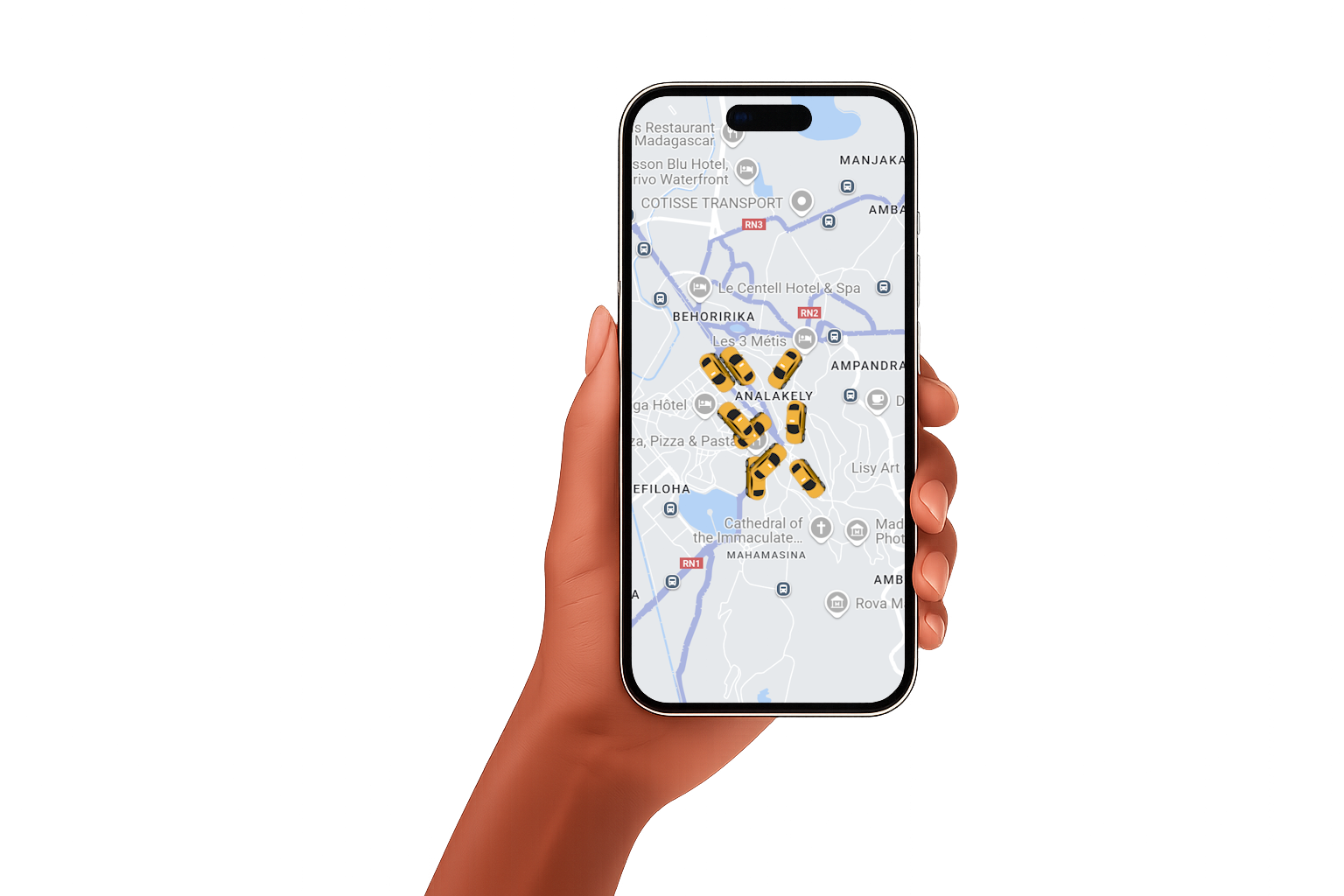
Join Misy drivers across Madagascar. Taxi, Bajaj or VTC — you're in control.


Get a steady flow of rides and earn more.
Go online whenever you want — full freedom.

Register all your vehicles to maximize your opportunities.

Reliable, simple, fast. Everything you need to drive.
Get rides around you as soon as you're online.
GPS to pickup and drop-off — no more wasted time.
Accept bookings in advance and plan your week.
Cash or mobile money — track earnings in real time.
Three stages: sign up, drive, accept advance bookings.
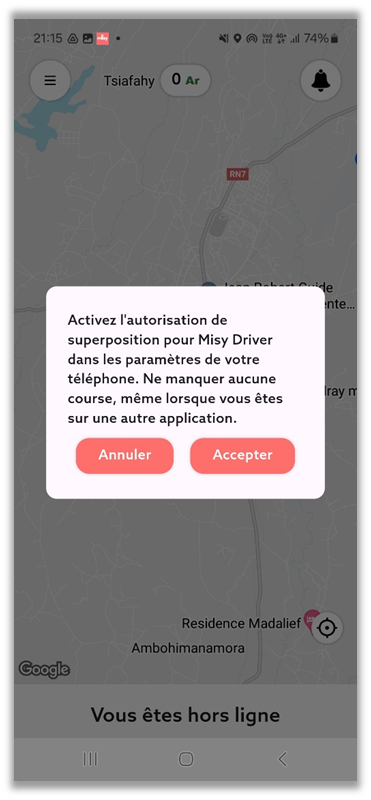
Location, notifications, Android overlay — all required for Misy Driver to work properly.
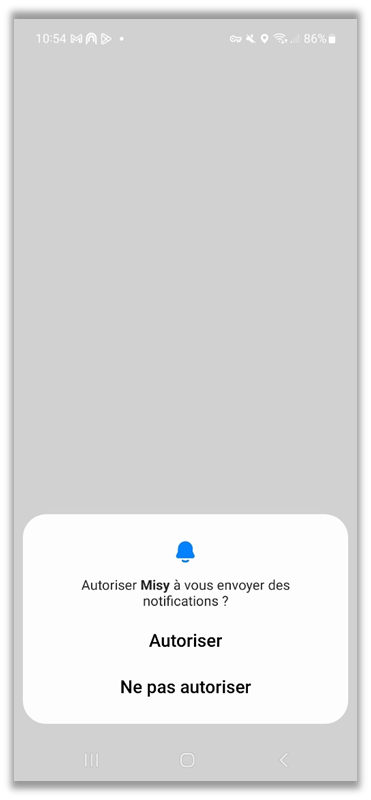
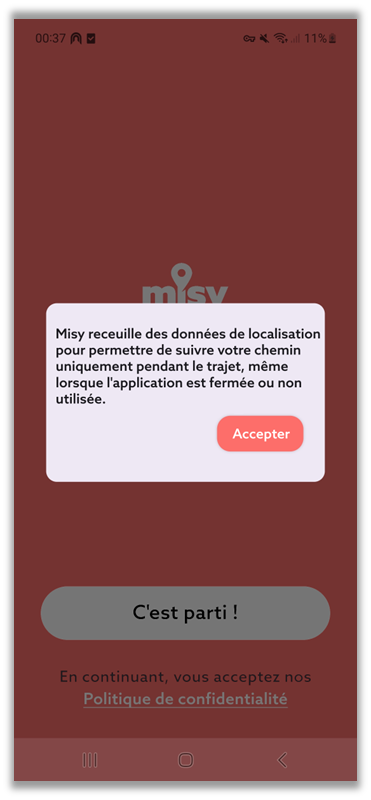
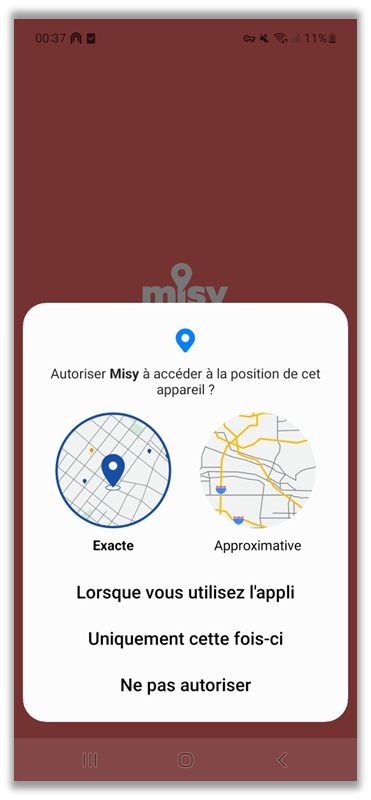
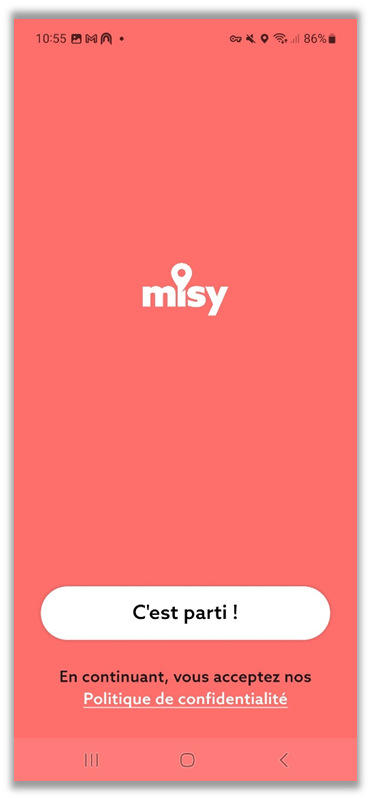
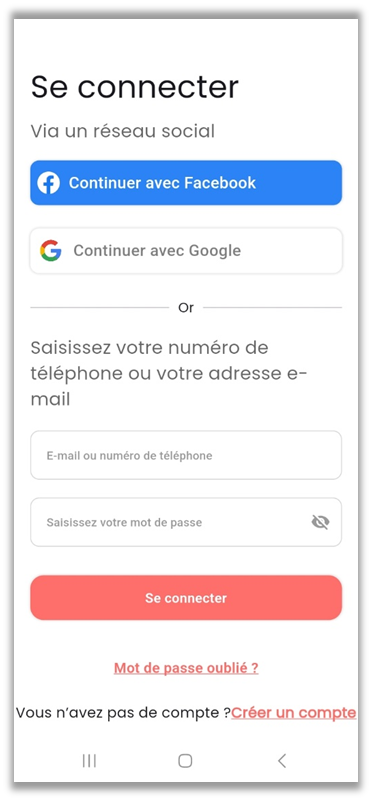
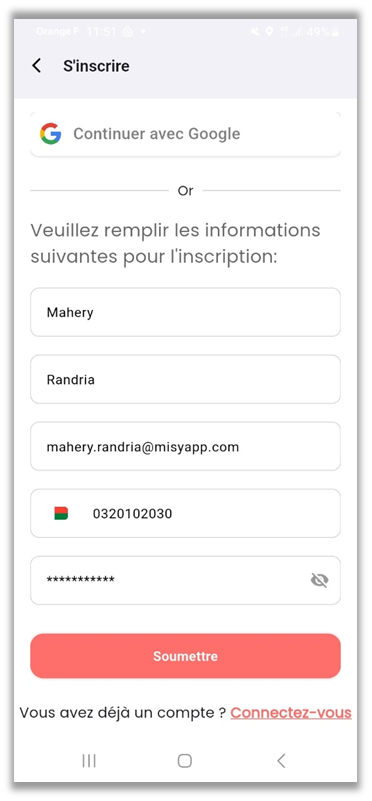
First name, last name, email, phone, password. Three screens.
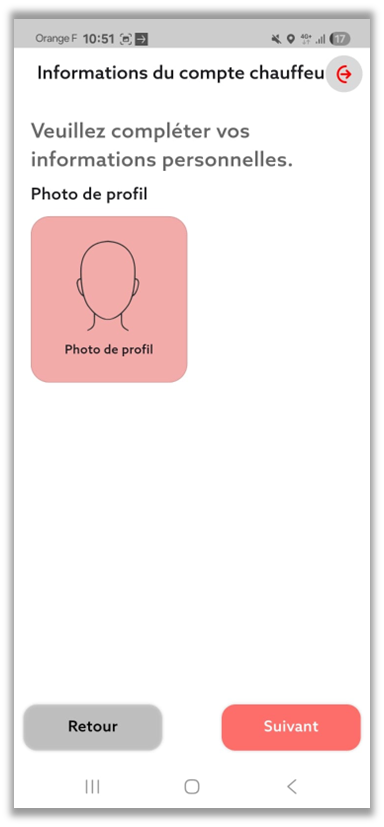
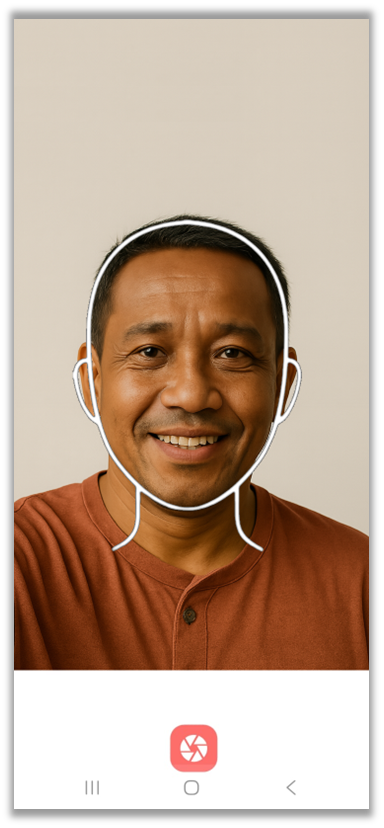
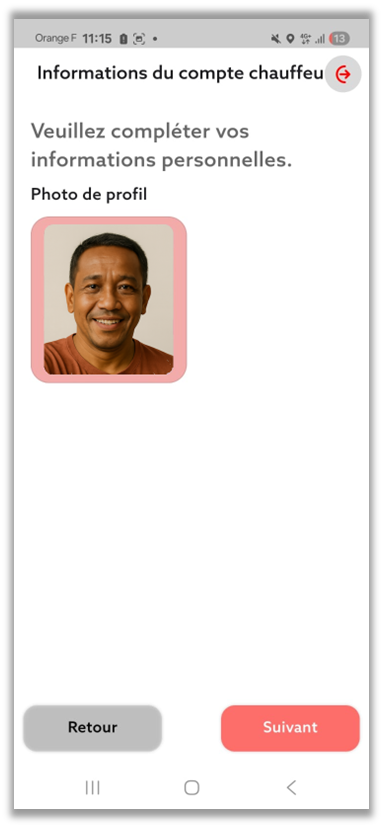
This photo lets passengers recognize you easily on arrival.
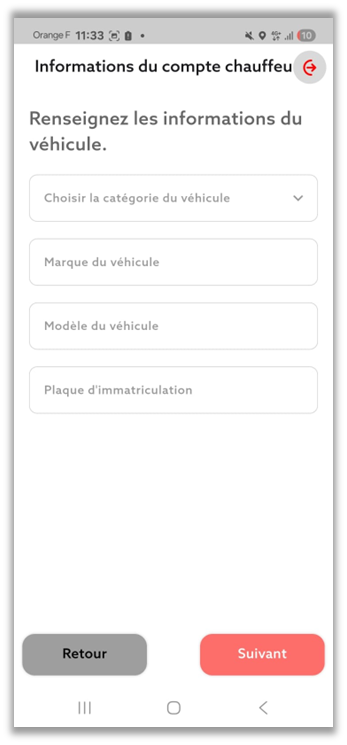
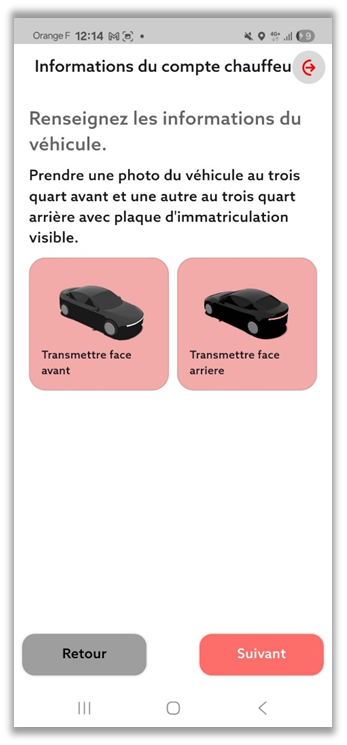
Details and photos of your vehicle with the license plate visible. Multiple vehicles? Start with one — you can add more later.
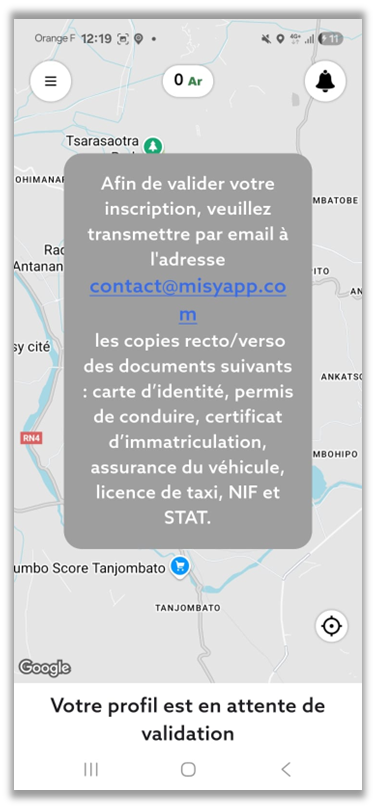
ID, license, registration, insurance, taxi license (if applicable), tax ID. Email them to our team — validation in 24 to 48h.
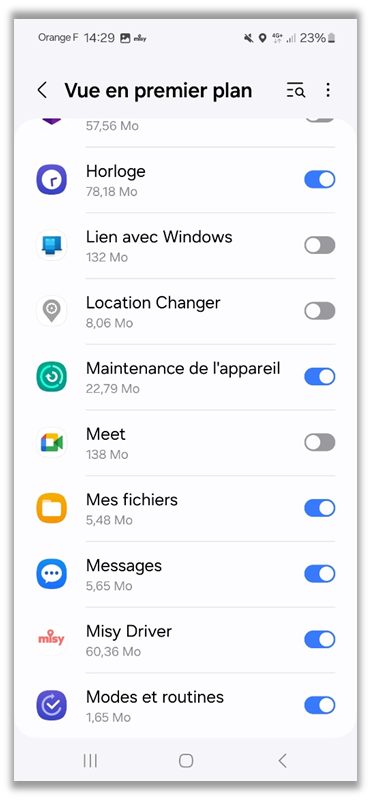
Allow foreground view for Misy Driver — required to display ride requests while driving.
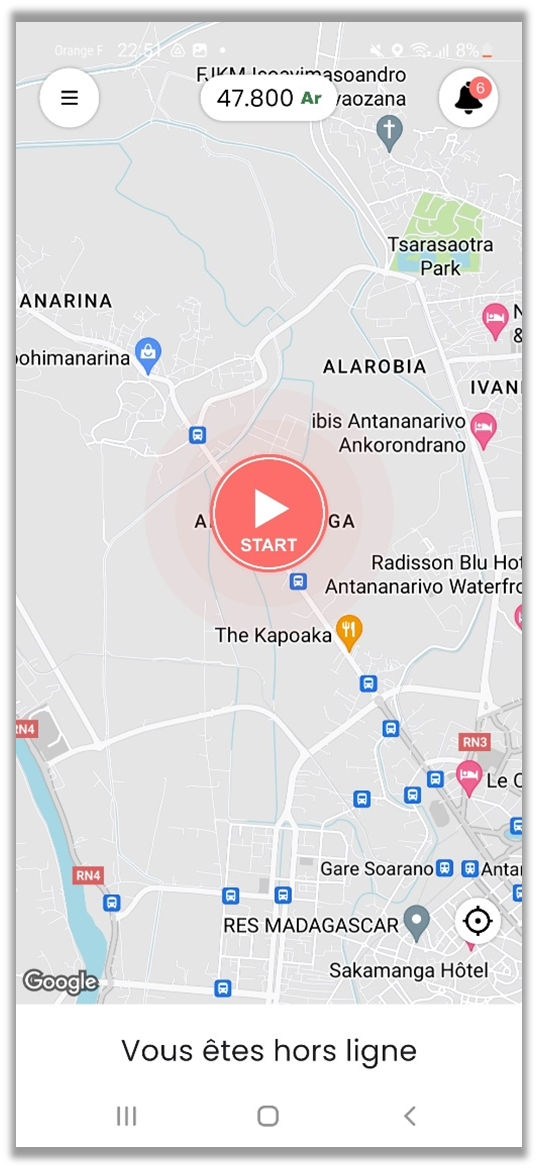
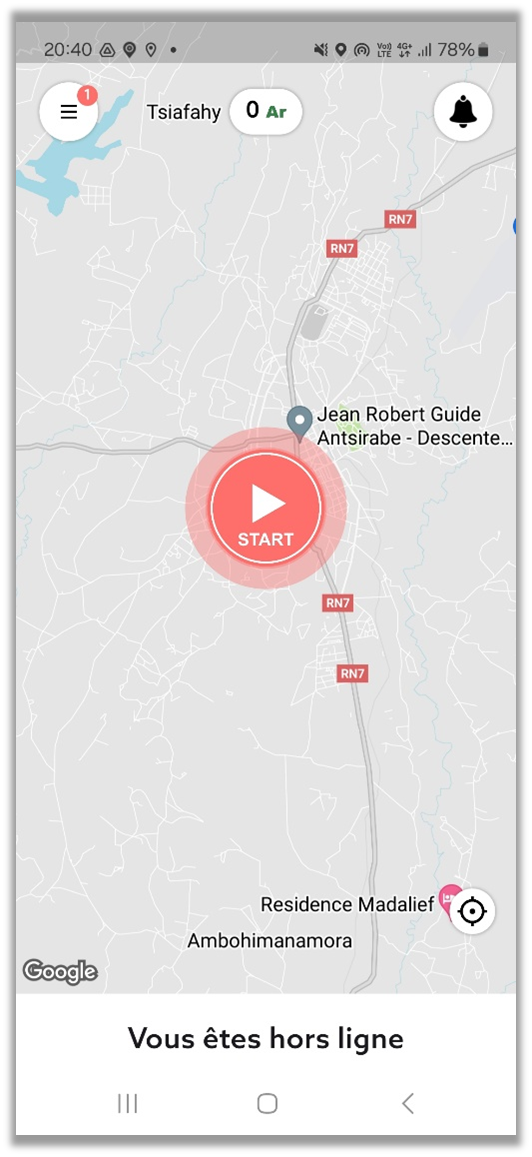
Tap "START" to begin. The app searches for rides around your position.
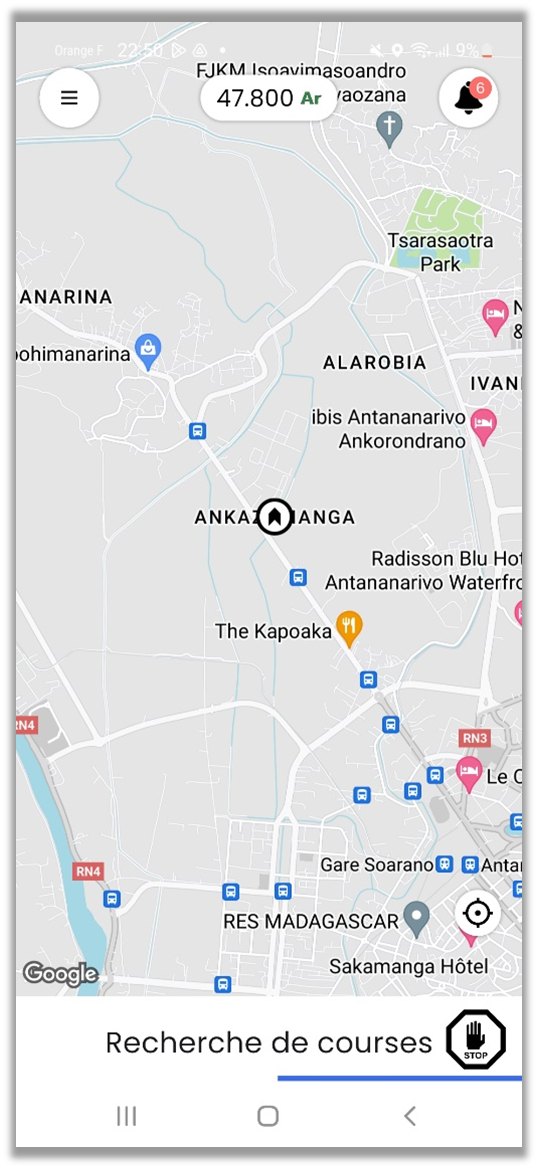
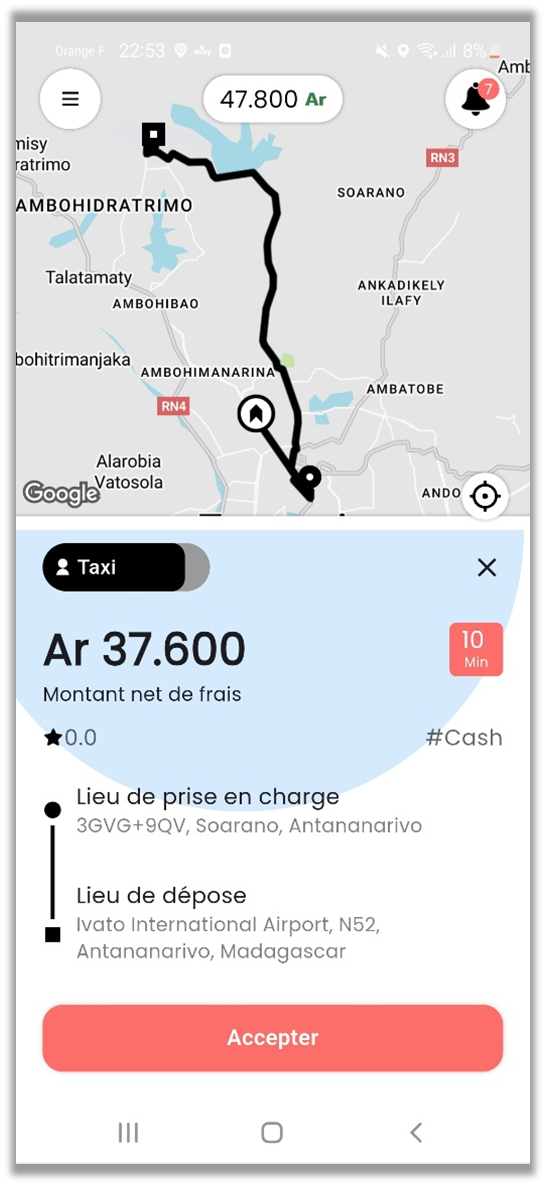
When a request comes in, tap "Accept". Route and passenger info appear. By accepting, you commit to the ride.
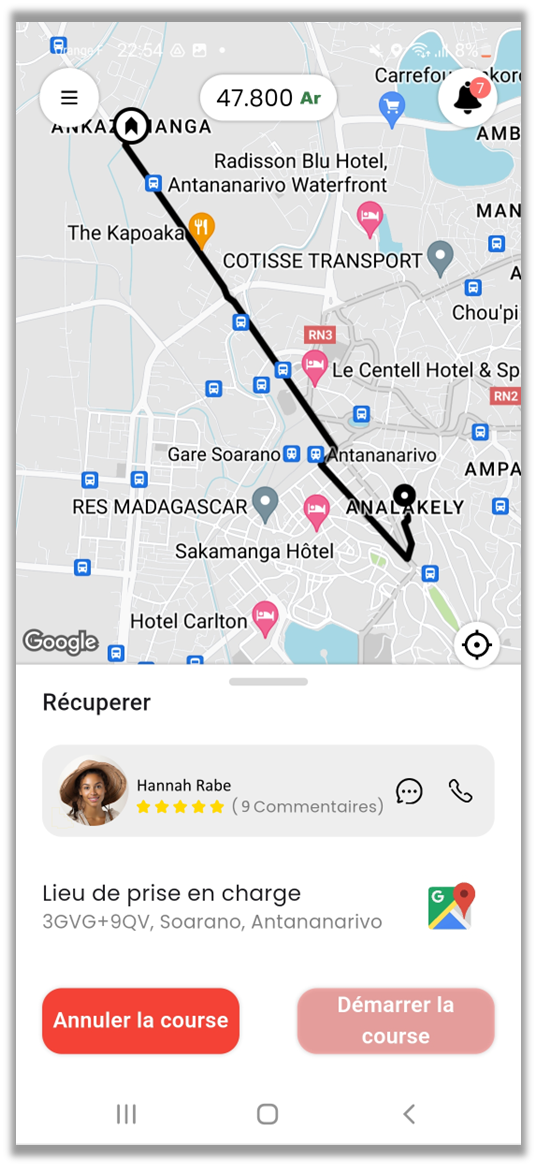
Tap "Pickup location" to start navigation. You can call or text the passenger in one tap.
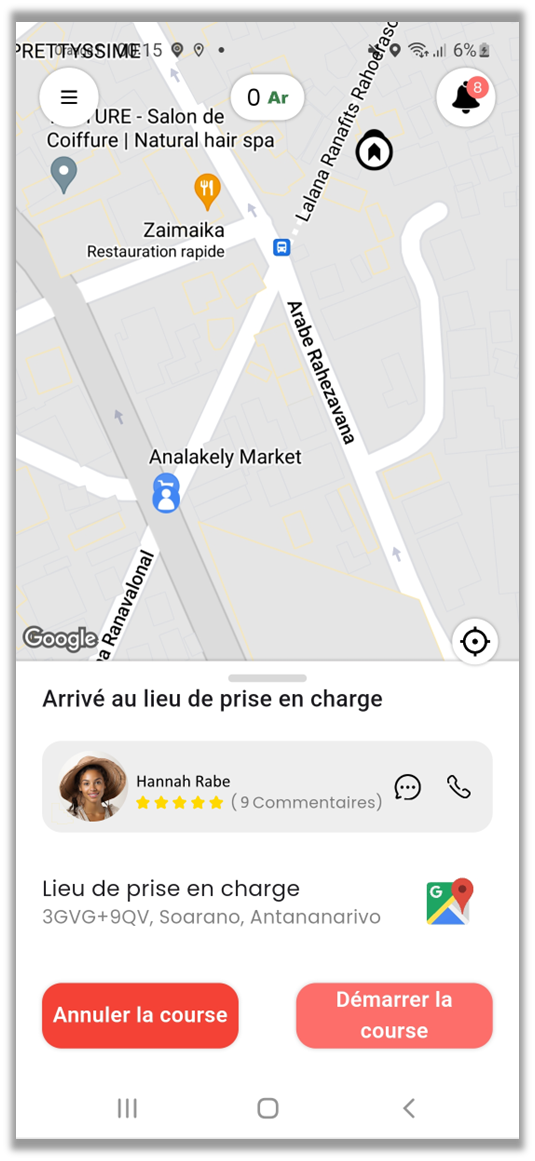
Once the passenger is on board, tap "Start ride" to begin the trip.
Follow the displayed route. The passenger sees your progress live. Support is reachable from the app if needed.

Tap "Drop-off location" for GPS navigation to destination.
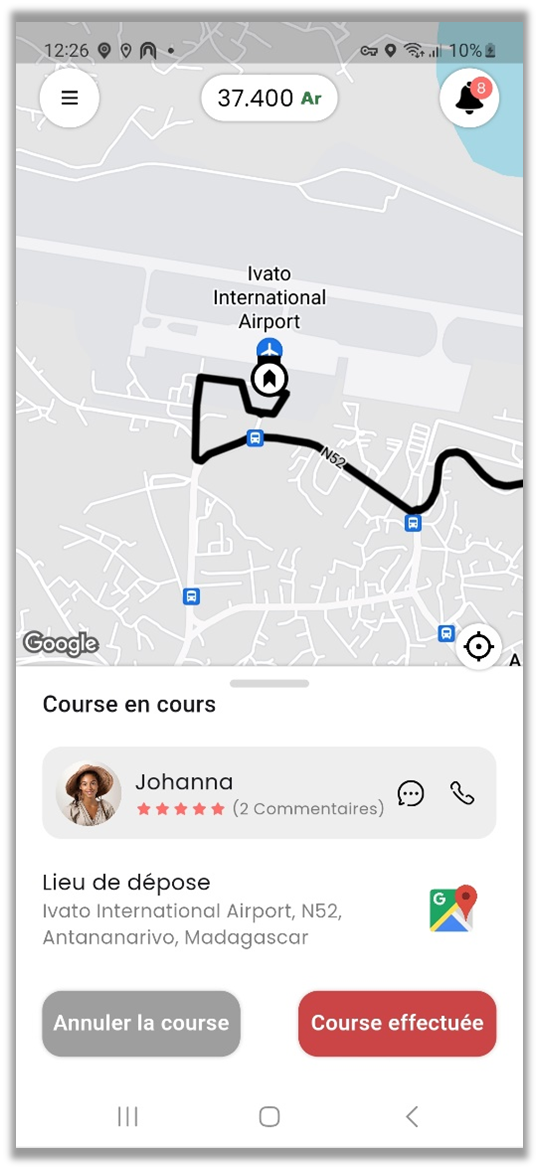
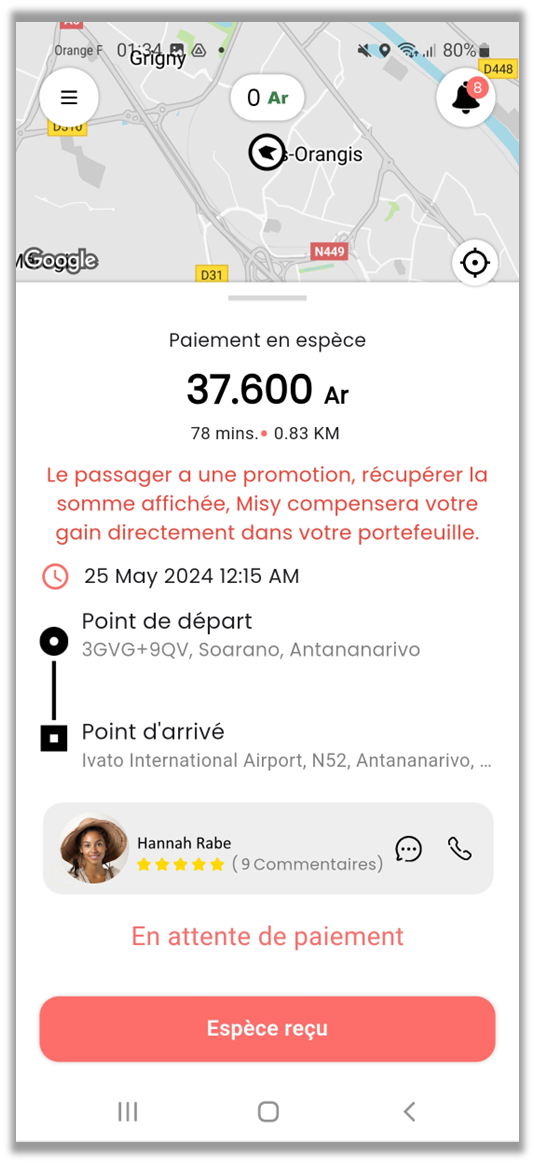
On arrival, tap "Ride completed". Confirm cash payment, or wait for the automatic mobile money confirmation.
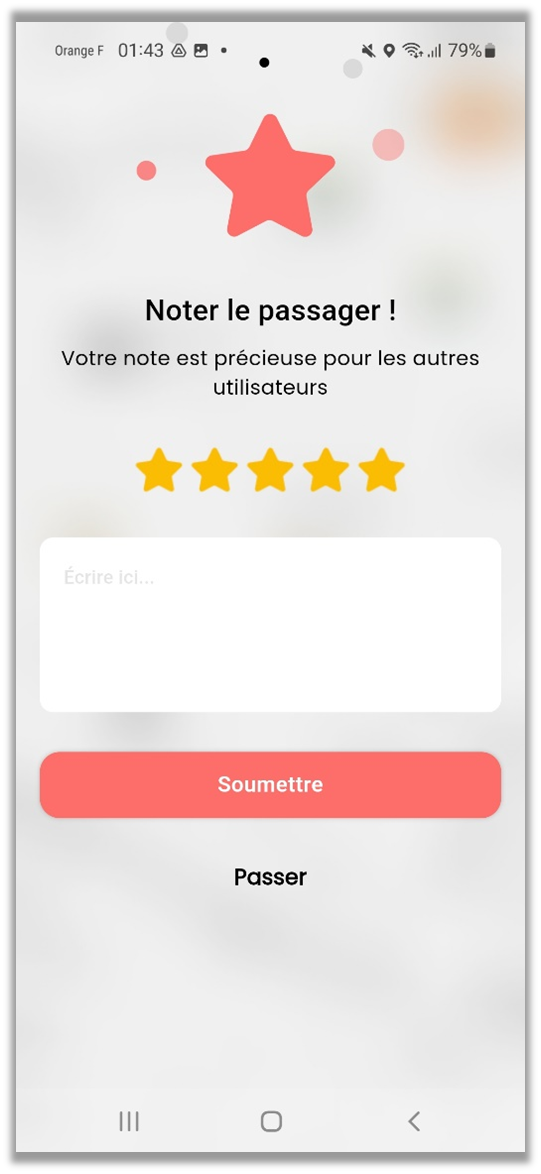
Give a 1 to 5 star rating and add a comment if you'd like.
Open the app menu and tap "Scheduled rides" to see planned rides around you.
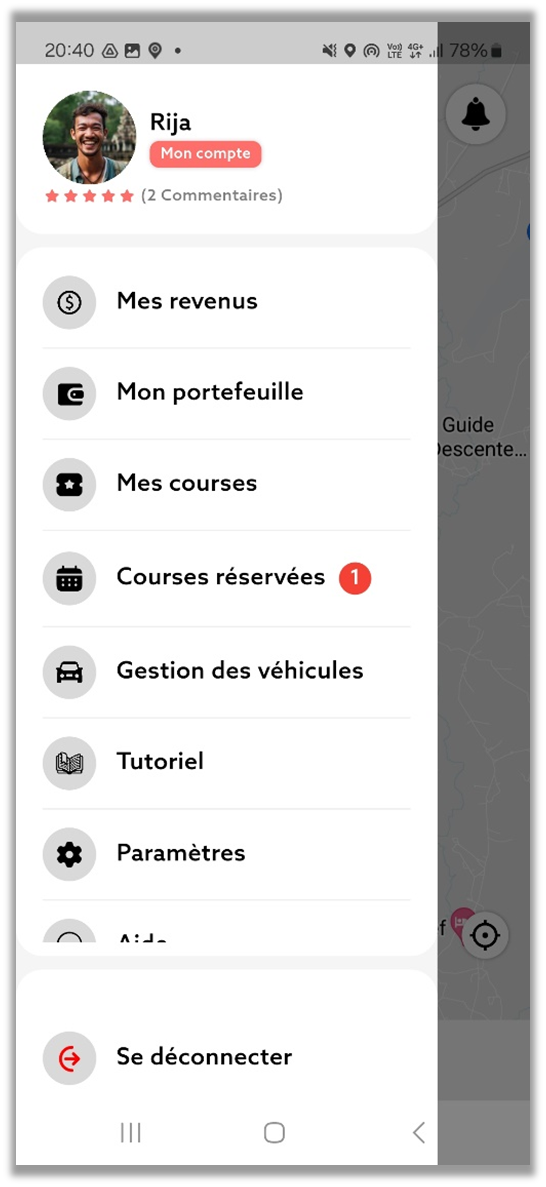

Browse the available bookings, tap one to see the details (date, time, route, fare) and accept it.
Email them to us. Validation in 24 to 48h.
Earnings depend on hours online and zone. Active drivers during peak hours earn more.
Official taxi, VTC, motorbike (Bajaj or standard), or a recent personal car. Type determines the category shown to passengers.
24 to 48h after receiving all your documents by email.
For cash rides, you receive payment directly. For mobile money, funds are transferred to your wallet.
Absolutely. You decide when you're online — no imposed schedule.
Download Misy Driver and join us today.